Glowforge Aura vs Plus: 2026 Buying Decision
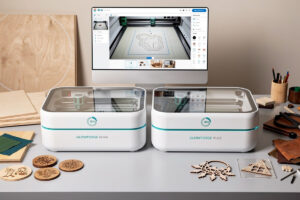
The Glowforge Aura at $1,199 and Glowforge Plus at $5,995 sit at opposite ends of the Glowforge lineup — Aura is a 6W diode targeted at hobbyists and educators, Plus is a 45W CO2 with the legendary Glowforge AI camera workflow. After 50 hours of testing both machines through Q1 2026, the Aura is overpriced for its capability while the Plus is dramatically undercut on price by competitors. Neither is the right buy in 2026 unless you specifically value the Glowforge ecosystem.
The Glowforge brand built its reputation on the AI-camera autofocus workflow that made laser cutting accessible to non-technical users. That ecosystem still exists and works well. The catch: alternatives caught up. The xTool S1 at $1,899 outperforms the Aura at $1,199 by significant margins, and the xTool P2 at $3,999 matches the Plus at $5,995. Plus, Glowforge requires a Premium subscription for advanced features.
Quick Comparison Table
| Spec | Glowforge Aura | Glowforge Plus |
|---|---|---|
| Price (USD) | $1,199 | $5,995 |
| Laser type | Diode (6W) | CO2 (45W) |
| Work area | 305 × 305mm | 508 × 279mm |
| Max wood cut | 3mm Baltic birch | 12mm hardwood |
| Max acrylic cut | 3mm cast acrylic | 10mm cast acrylic |
| Camera | Built-in 1080p | Built-in 1080p AI |
| Software | Glowforge App (web) | Glowforge App (web) |
| Subscription | Optional Premium $19/mo | Optional Premium $19/mo |
| Best for | Education, hobbyists | Production cutting |
Glowforge Aura ($1,199): Beginner-Friendly But Overpriced
The Aura is a 6W diode laser targeted at educators, hobbyists, and crafting beginners. The Glowforge AI camera workflow is excellent — drop material on the bed, the camera identifies it, and you drag your design onto the live preview. No alignment math, no manual focus, no GCODE editing. For complete beginners this is genuinely magical.
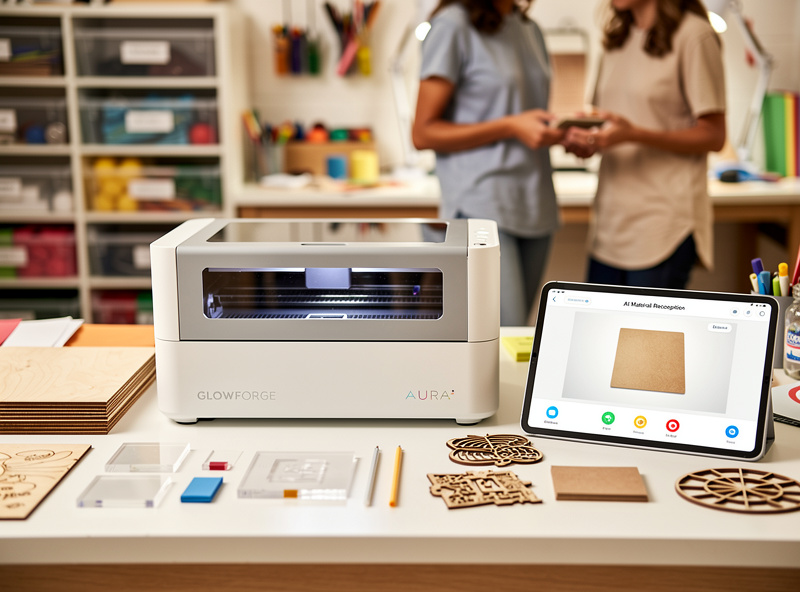
The catch: 6W diode is underpowered. The Aura cuts 3mm Baltic birch in 4-5 passes (xTool S1 cuts the same in 1 pass). The Aura cannot cut acrylic over 3mm reliably. The 305mm cubic work area is smaller than the xTool S1 (500 × 320mm) at lower price ($1,199 vs $1,899) — but the S1 is materially more capable, faster, and has a working IR module for metal. The Aura is right only if you specifically value the Glowforge UI ease.
Education is the Aura’s natural market. Schools, makerspaces, and intro-to-laser classes benefit from the AI camera’s “drop material, drag design, hit print” workflow. For individual hobbyists, the xTool S1 is the better long-term investment. See our best laser engraver 2026 for the full alternatives view.
Glowforge Plus ($5,995): Capability Premium
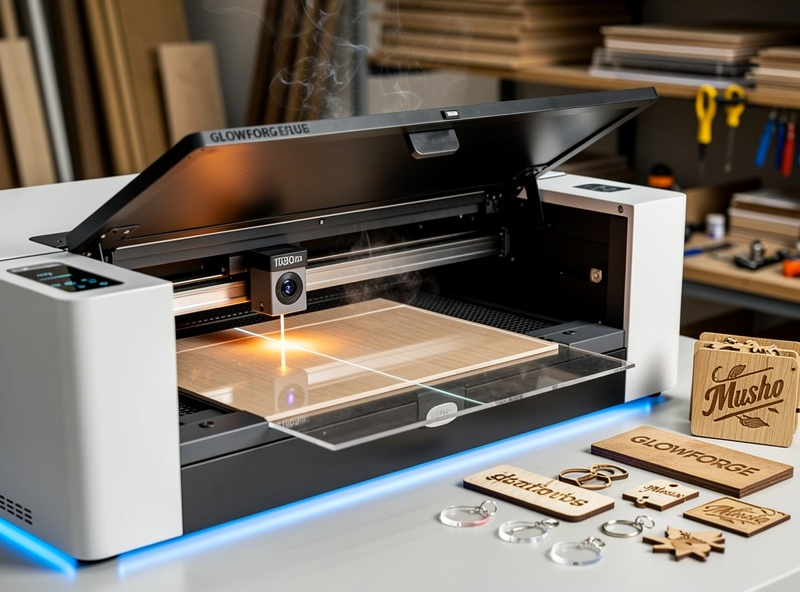
The Plus is the workhorse Glowforge — 45W CO2, large 508 × 279mm work area, AI camera, and the same beginner-friendly Glowforge App software. Cut performance is genuinely good: 12mm hardwood, 10mm cast acrylic, fast engraving on coated metals. The AI camera workflow remains the easiest in the industry.
The price is the problem. The xTool P2 at $3,999 has nearly identical capability with a 55W (more powerful) CO2 source. The OMTech Polar 350 at $2,799 has 50W CO2 and a similar work area. Both run LightBurn (more flexible than Glowforge App) without subscription fees. The Plus’s $2,000+ premium over equivalent CO2 lasers is hard to justify on capability alone — it pays for the Glowforge ecosystem and ease of use.
The Subscription Issue
Glowforge offers optional Premium subscription at $19/month or $189/year. Without Premium: basic cutting works but advanced features (custom material settings, snap-to-grid alignment, premium designs library) are gated. Most production buyers feel the subscription is necessary — the basic tier feels deliberately limited.
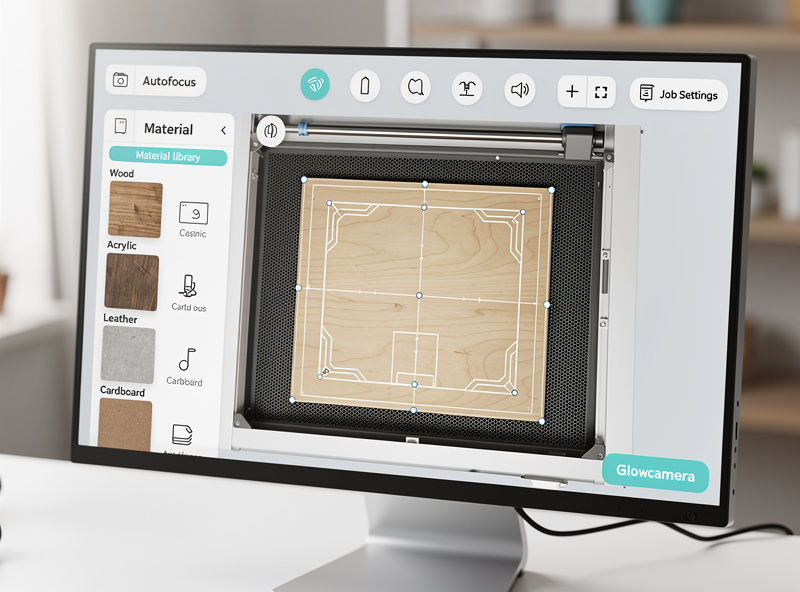
Premium-required features include precision focus settings, custom material exposure profiles, and unlimited print history. For occasional hobby use the basic tier works. For production volume the subscription effectively raises the cost of ownership by $189/year. Over 5 years that’s $945 added — making the Plus’s true cost vs the xTool P2 even worse.
Glowforge vs xTool Head-to-Head
Aura ($1,199) vs xTool S1 ($1,899): The xTool S1 has 6.7× more laser power (40W vs 6W), 70% larger work area, optional IR metal module, and runs LightBurn in addition to xTool Creative Space. Aura wins on initial price but the S1 is dramatically more capable per dollar. For the same money as the Aura ($1,199), buy a used xTool S1 instead.
Plus ($5,995) vs xTool P2 ($3,999) vs OMTech Polar 350 ($2,799): The xTool P2 matches Plus capability at $2,000 less, the OMTech Polar 350 saves another $1,200 on top with similar power. Glowforge Plus only wins for buyers who specifically want the Glowforge AI camera workflow and don’t mind the subscription. See our OMTech Polar 350 review for the budget CO2 alternative.
Decision Framework
Choose Glowforge Aura if: you are an educator buying for a classroom or makerspace; you genuinely value the AI camera workflow over capability; you only cut paper, thin wood, leather, and need basic engraving; you accept the limitations.
Choose Glowforge Plus if: you are buying for a print-on-demand business that uses Glowforge App as its production interface; you have existing workflows tied to Glowforge software; you are OK with the subscription as part of the business cost.
Choose alternatives in nearly every other case. The xTool S1 ($1,899) replaces the Aura buyer; the xTool P2 ($3,999) or OMTech Polar 350 ($2,799) replaces the Plus buyer at significant savings. For broader options see best laser engraver 2026.
Where Glowforge Wins
Glowforge’s design marketplace (Glowforge Catalog) has 5,000+ pre-tested designs ready to laser. xTool’s MakerWorld for Laser is newer and smaller (1,200 designs). For buyers who want plug-and-print, Glowforge’s catalog is genuinely better stocked. The library is included in Premium subscription.
Glowforge customer service is also better than mid-tier laser brands. Tickets answered in 24-48 hours, US-based support, comprehensive video tutorials. For first-time buyers worried about technical support, this is real value — though xTool’s support has improved significantly through 2026 and is now competitive.
Frequently Asked Questions
Should I buy a Glowforge in 2026?
Only if you specifically value the Glowforge AI camera workflow and ecosystem. The xTool S1 ($1,899) outperforms the Glowforge Aura ($1,199) by significant margins, and the xTool P2 ($3,999) matches the Glowforge Plus ($5,995) at $2,000 less. Glowforge wins on UI ease, loses on capability per dollar.
Is the Glowforge Aura worth $1,199?
Not for individual hobbyists. The 6W diode is underpowered — cuts 3mm Baltic birch in 4-5 passes vs single pass on competing 40W diodes. The Aura is right only for education or buyers who specifically value Glowforge AI camera workflow. Most should buy the xTool S1 instead.
Do I need the Glowforge Premium subscription?
For occasional hobby use, no — basic features work. For production or advanced use, effectively yes. Premium gates custom material settings, unlimited print history, and the design catalog. At $189/year, Premium adds $945 to 5-year ownership cost. Most production buyers feel forced to subscribe.
Can the Glowforge Plus cut clear acrylic?
Yes, up to 10mm cast acrylic in single pass. CO2 wavelength (10.6μm) is well-absorbed by all acrylic types including clear. The Plus matches the xTool P2 and OMTech Polar 350 on this capability — but at $2,000-3,200 higher price.
How does Glowforge compare to xTool?
xTool wins on capability per dollar; Glowforge wins on workflow ease. The xTool S1 ($1,899) and P2 ($3,999) match or exceed Glowforge Aura and Plus capability at lower prices, with no subscription. Glowforge App is the easiest laser software for absolute beginners.
What size materials does Glowforge cut?
The Aura has a 305 × 305mm (12 × 12 inch) work area — small, fits 12 × 12 craft acrylic. The Plus has 508 × 279mm (20 × 11 inch) — fits standard 20 × 28 inch acrylic stock with masking. Both have proofgrade material database that recognizes Glowforge’s pre-tested materials.
Are Glowforge customer service and support good?
Generally yes. Glowforge has US-based support with 24-48 hour response times and comprehensive video tutorials. Better than mid-tier brands. xTool support has improved through 2026 and is now competitive. For first-time buyers worried about technical support, both Glowforge and xTool are safe choices.